Article text
At first I could show almost nothing. My page had words, links and lines following one after another. No complex transitions, no huge photos, no interfaces that respond to the cursor. The internet was younger, connections were slower, and a website was more like a document than a world of its own.
I won’t say whether design back then was worse. The conditions were different: different devices, different expectations. People hadn’t yet got used to the idea that one page could be a shop window, a tool and a story all at once.
At first, the point was simply to show information
The first web pages consisted mainly of text. HTML defined the structure of a document: headings, paragraphs, links, lists. There were few visual possibilities, and a website often looked like a set of linked pages. But even then an important idea was at work: information could be linked so that people chose their own route.
Over time, pictures, tables and more flexible ways of arranging elements appeared. Designers began to think about composition: how to build a page, where to put the navigation, how to highlight content without creating chaos.
When websites wanted to look like magazines
Browsers and CSS developed, and designers gained more and more control over typefaces, colour, spacing and the placement of blocks. Websites began to look for a recognisable style. Some resembled magazine spreads, others catalogues, still others tried strange navigation and bold composition.
Then came a time when movement and special effects were considered a sign of being high-tech. Rich interactive scenes were made in Flash, and designers experimented with animation, sound and unusual interfaces. It looked impressive, but such websites depended on plugins, worked poorly with accessibility features and were slow, so they were far from suitable for everyone.
Many of those ideas later returned in a new form: in CSS animation, video, interactive stories and WebGL scenes. Where such movement helps and where it gets in the way is covered in the article “Animations on a website”. There’s no need to repeat everything old, but the wish for a website to make an impression hasn’t gone anywhere.
Then everyone had a screen in their pocket
Smartphones changed the rules. Designing a website only for a wide monitor was no longer possible. The grid, text sizes, images and interaction had to adapt to different screens. Without responsive design a website simply stopped working properly. What most often breaks on a small screen we’ve collected in the article “A beautiful website people want to leave”.
Composition changed too. What looks striking on a large screen may not work on a small one. Sometimes blocks have to be rearranged, secondary things shortened, images cropped differently or the menu reinvented. Design became more and more like a set of rules rather than one frozen layout.
From separate pages to whole systems
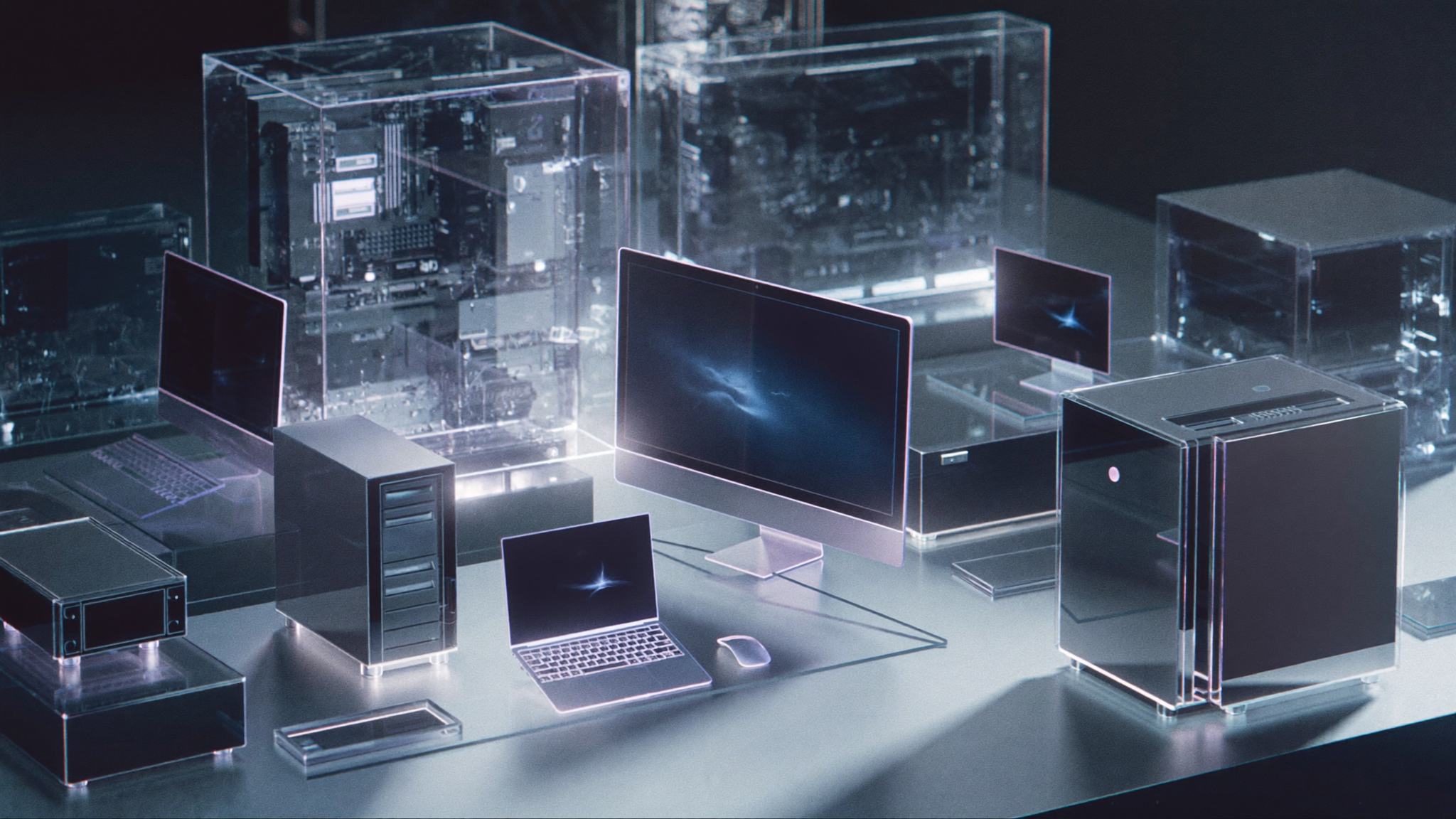
Digital products grew, and a single language now had to be maintained across dozens of pages and screens. Components, design systems and element libraries help keep things consistent and avoid building every button from scratch. On large websites this is especially important: dozens of sections should look like parts of one product.
That doesn’t make them identical. A system sets the foundation and doesn’t get in the way of individuality. Rules for typography, spacing and the behaviour of elements can stay shared, while compositions can differ where the content calls for it.
When I learned to depict the impossible
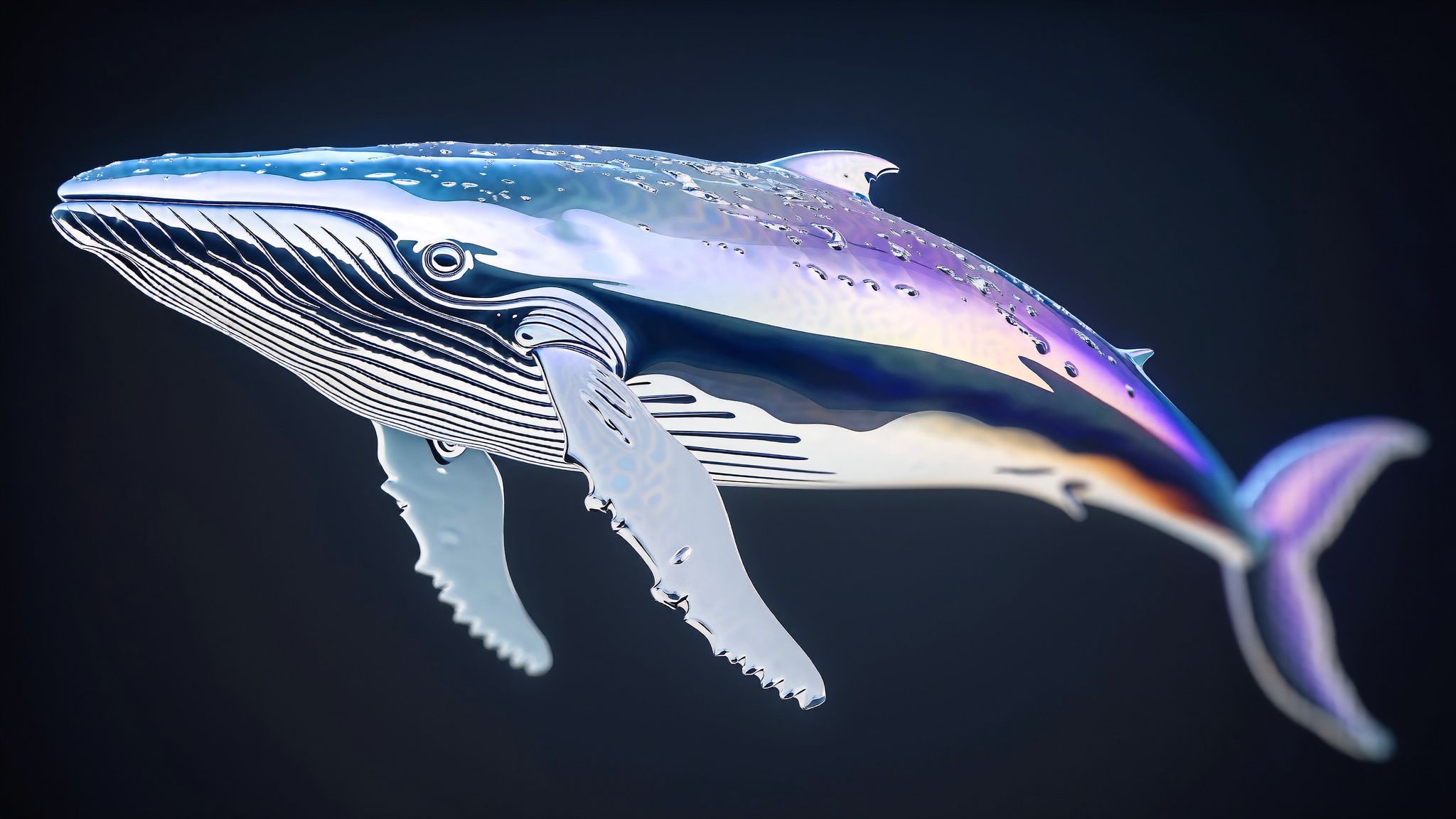
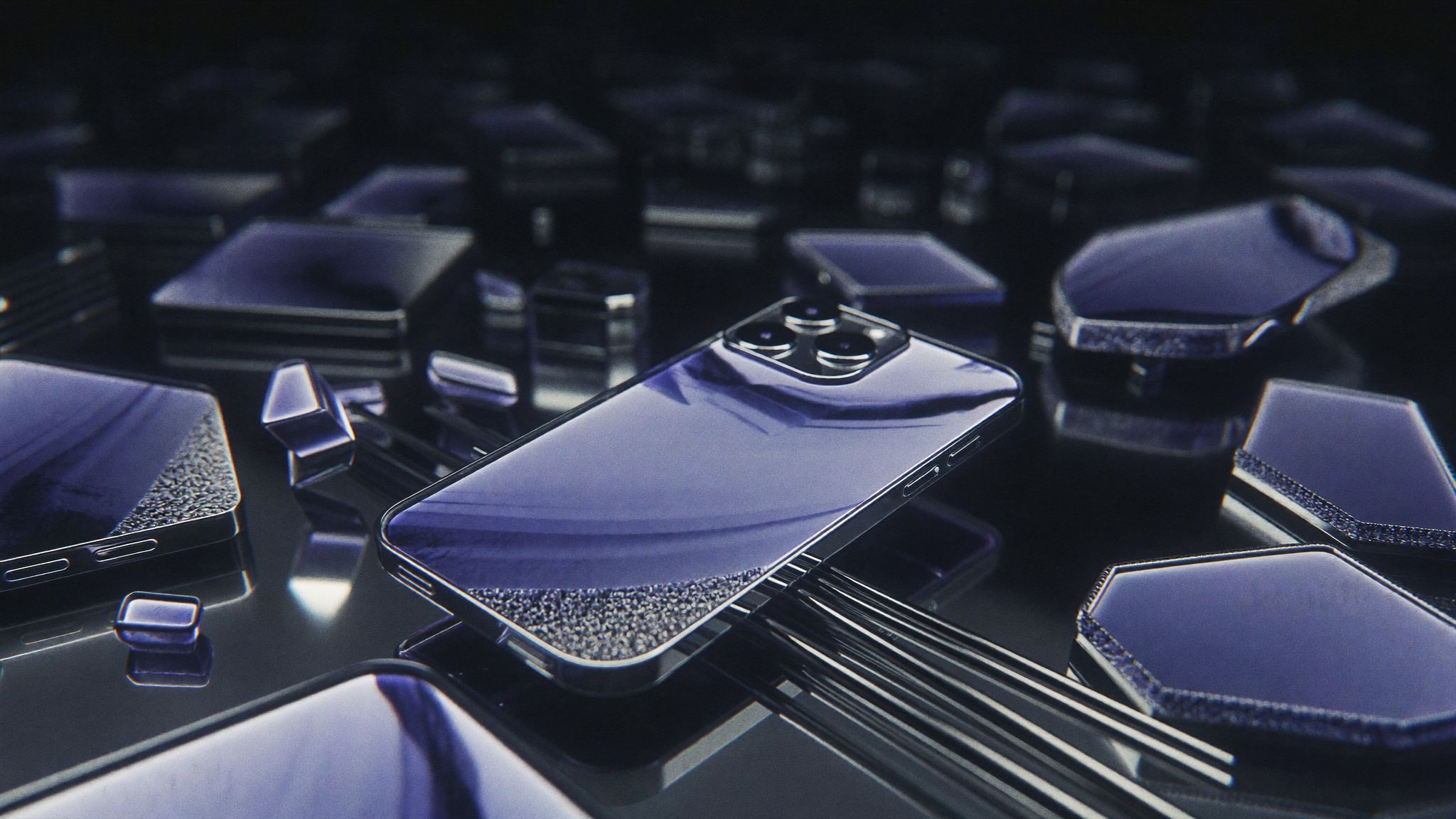
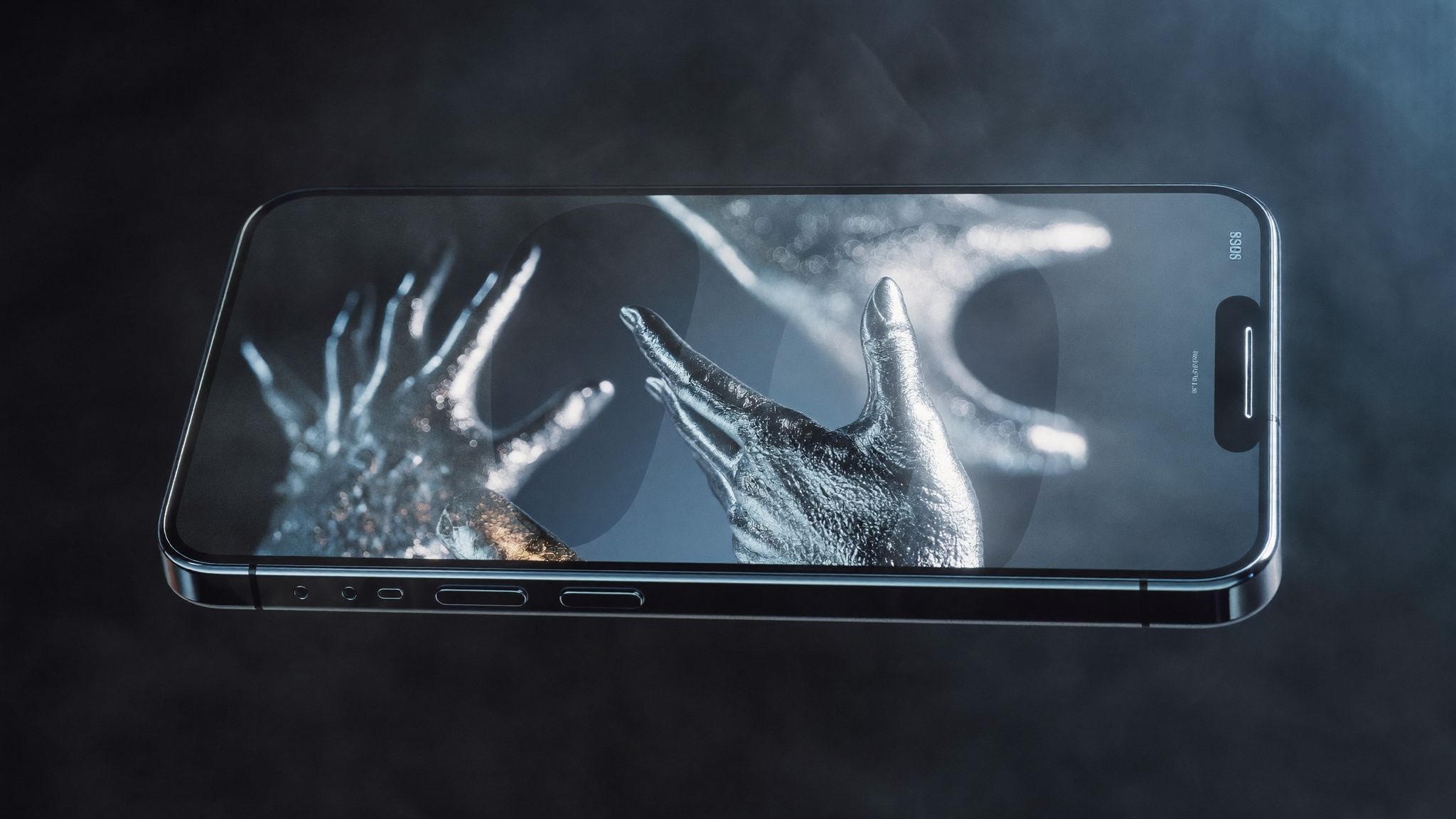
Today a designer can combine photography, 3D, generated images, programmatic animation and complex typography. A real object finds itself in an impossible setting, an interface behaves like a scene from a film, and a website changes mood as you scroll. The tools have become more powerful, but it has also become easier to confuse an effect with an idea.
Making an unusual picture is now easier than figuring out why a particular brand needs it. You can flood a screen with sparkle, glow and tiny captions and get a high-tech image that explains nothing. You can strip everything down to minimalism and lose individuality. Adding details is easy; choosing the right ones is much harder.
Modern web design has no reason to compete in effects. It looks for a balance between image and meaning, freedom and clarity. Sometimes what works best is a huge object almost spilling over the edge of the screen. Sometimes one phrase and lots of air. And sometimes a subtle animation you don’t notice at once, though without it the scene seems frozen.
What will remain when technology changes again?
Tools will keep changing. New ways of making images, building interfaces and working with content will appear. But people will still need to understand where they are, what is being offered to them and what to do next. Rhythm, contrast, clarity and trust will still matter to them — the feeling that what’s in front of them isn’t a random set of elements.
I can show information, animate a transition, build a grid and create an atmosphere. But I can’t decide what is worth showing. That decision is made by a person, based on their task and on how they see their digital world.
How to choose a format for your idea
Technology changes what we can create. But what is worth creating is still decided by taste and meaning.
What follows from this
There was no straight road from simple to beautiful in the history of web design. There were new possibilities, mistakes, experiments and constant returns to the same questions: what do we want to say, to whom, and how will people be able to understand it? The most interesting projects use technology for the sake of an idea that would be hard to express without it.
At SOMO STUDIO we see a website as a complete project with a task, a structure and a visual language of its own. If you’d like to create an expressive place on the internet for your business, write to us, and we’ll start with a conversation about the idea. For projects with an unusual structure and complex scenes there is the “Custom project” format.
— SOMO STUDIO